Android 17 Stable Hits Pixel Phones: New Privacy, AI & Gaming Features
 Jun, 19 2026
Google has officially flipped the switch on Android 17, sending the stable release rolling out to Google Pixel smartphones starting today. If you’re holding a Pixel 6 or newer, your phone is likely already downloading the update as part of the June 2026 Pixel Drop. This isn’t just a minor patch; it’s a massive overhaul that brings floating multitasking windows, stricter privacy controls, and new tools for content creators directly to your home screen.
The rollout marks the end of the beta testing phase that began earlier this year. With the source code now published to the Android Open Source Project (AOSP), other manufacturers can begin adapting the OS for their own devices throughout 2026. But for now, Pixels get the first taste of what’s coming.
Multitasking Gets a Floating Upgrade
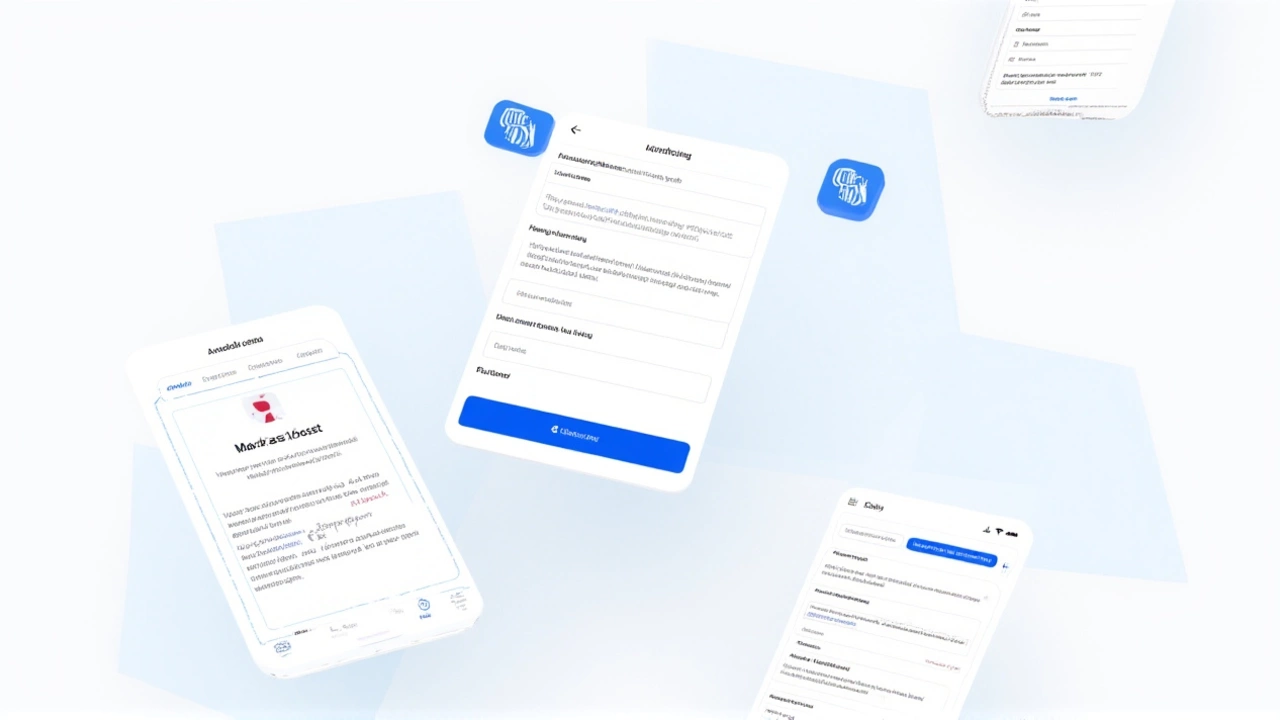
Here’s the thing about mobile multitasking: it’s always felt a bit clunky compared to desktop computers. Android 17 attempts to fix that with a feature called App Bubbles. Think of these as persistent, floating windows that stay on top of everything else. You can keep a map open while texting, or leave a video call bubble visible while browsing emails. It’s a significant shift from traditional split-screen modes, offering a more fluid, overlay-based experience that lets you manage multiple tasks without constantly switching apps.
For gamers, especially those with foldable phones, there’s another big change on the horizon. While not active in today’s stable build, Android 17 includes the groundwork for a dedicated foldable gaming mode. When it arrives in the coming months, it will split the screen 50/50: the game view on the top half and a dynamic virtual controller on the bottom. Plus, native controller remapping means you can tweak button layouts for external controllers right within the system settings, no third-party hacks required.
Privacy Controls Tighten Up
But wait, the real headline here might be privacy. Google has introduced a "one-time precise location" permission. Previously, if an app needed your location, you often had to grant permanent access or deal with repeated prompts. Now, you can grant access for a single session—meaning until you close the app. Once consent is given, the app won’t bug you again during that session, but it loses access once you exit. It’s a nice balance between convenience and control.
To make sure you’re never in the dark, a persistent indicator will now appear whenever a non-system app accesses your location. You’ll know exactly who’s tracking you. There’s also a new system-level Contacts Picker. Instead of granting an app blanket access to your entire address book via the old READ_CONTACTS permission, you can now select specific contacts to share for a single session. It works across personal and work profiles, giving you granular control over your data.
Security for Lost Devices
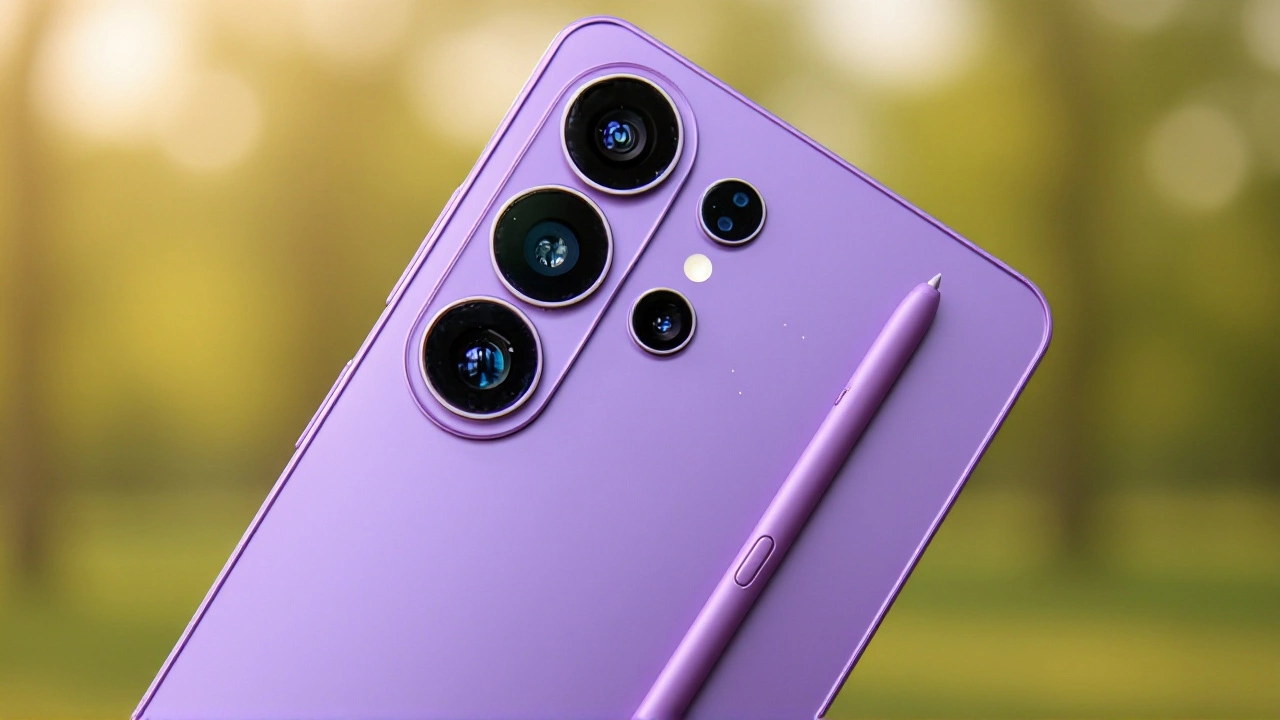
Losing your phone is stressful enough without worrying about someone snooping through your photos. Android 7 enhances the Find Hub’s "Mark as lost" feature. When activated, it doesn’t just lock the screen with a PIN; it now supports biometric authentication requirements to unlock the device. It also hides Quick Settings and disables new Wi-Fi and Bluetooth connections to prevent unauthorized access. Google has also reduced the number of allowed PIN guesses before triggering additional security measures, making brute-force attacks much harder.
Creator Tools and Performance Tweaks
If you’re into making reaction videos, you’ll love Screen Reactions. This built-in tool lets you record your screen and your face simultaneously, overlaying your camera feed directly onto the recording. No green screen, no second device, no editing software needed. It works for both videos and photos, simplifying the workflow for social media creators significantly.
Under the hood, Android 17 introduces strict app memory limits based on your device’s total RAM. The goal? To stop rogue apps from hogging resources and causing UI stutters or battery drain. By setting conservative baselines, Google aims to catch extreme memory leaks early, ensuring smoother performance and longer battery life. You’ll also find an independent volume stream for the Google Assistant, so you can adjust voice feedback levels without changing your media volume.
What’s Next for Android Users?
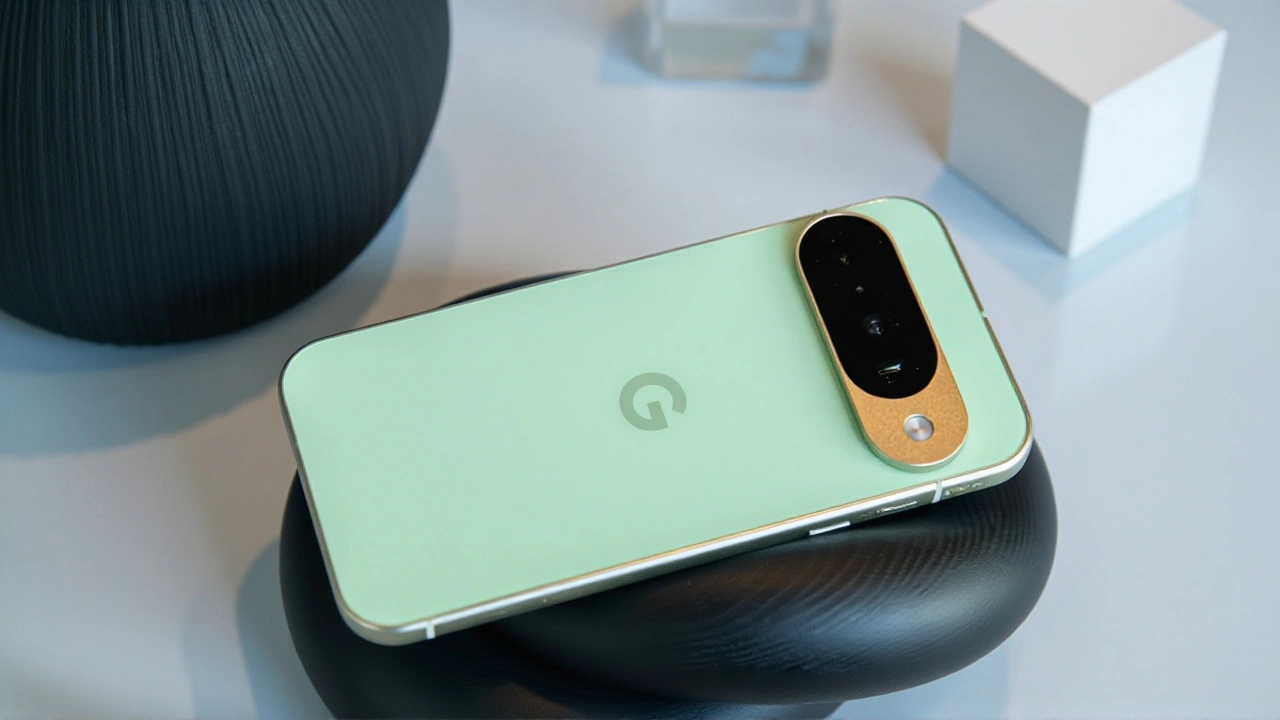
While Pixels have the update now, don’t expect every Android phone to get it tomorrow. Other eligible devices will receive Android 17 in stages throughout 2026. The timeline depends on each manufacturer’s adaptation process. Meanwhile, new devices launching later this year will ship with Android 17 pre-installed, bringing these features to a wider audience.
The details on which specific non-Pixel devices qualify are still being finalized by partners like Samsung, OnePlus, and others. But one thing is clear: Android 17 represents a maturation of the platform, focusing less on flashy gimmicks and more on stability, privacy, and practical utility.
Frequently Asked Questions
Which Pixel phones get Android 17 first?
The stable release of Android 17 is rolling out to all supported Pixel devices starting with the Pixel 6 series and newer models. This includes the Pixel 6, 6 Pro, 7, 7 Pro, 8, 8 Pro, 9, 9 Pro, and Fold models. Older devices like the Pixel 5 and below are not included in this initial wave.
When will non-Pixel Android phones get the update?
Google plans to roll out Android 17 to other eligible Android devices throughout 2026. The exact timing depends on individual manufacturers like Samsung, Xiaomi, and OnePlus, who need to adapt the OS for their specific hardware. Some flagship devices may receive updates as early as late summer 2026.
What are App Bubbles in Android 17?
App Bubbles are a new multitasking feature that allows apps to display content in floating, persistent windows on top of other screens. Unlike split-screen mode, bubbles stay visible and accessible while you use other apps, making it easier to keep maps, chats, or music controls handy without cluttering your main workspace.
Is the foldable gaming mode available now?
No, the foldable gaming mode is not active in the initial stable release of Android 17. Although the code is present in the update, Google states it will be enabled and available to users in the coming months. This mode will offer a 50/50 split layout for games on foldable devices.
How does the new location permission work?
Android 17 introduces a "one-time precise location" option. When an app requests your location, you can grant access for a single session only. This means the app can access your precise location until you close it, after which permission is revoked. This reduces the need for permanent location access while minimizing repetitive permission prompts.